AI mascot generator / product assets
Create a mascot your product can keep using.
Make a custom mascot from a text idea or photo, keep the same character across poses and variants, then turn it into transparent animation for your app, game, website, or SaaS product.
Custom generation uses credits. Failed generations are not charged.
Not just one AI image
A character system, starting with one good reference.
A mascot earns its place when it can show up again: welcoming a new user, explaining an empty screen, celebrating a win, or sitting inside a game UI. Mascofast keeps the work connected so you can build from the same character instead of starting over each time.
Start with context
Describe your product, audience, personality, colors, and the moment where the mascot belongs.
Keep the identity
Use the reference mascot to branch into a new outfit, pose, style, or product state.
Ship the asset
Download the finished image or transparent animation and move it into your product.
See the range
One mascot. Different jobs.
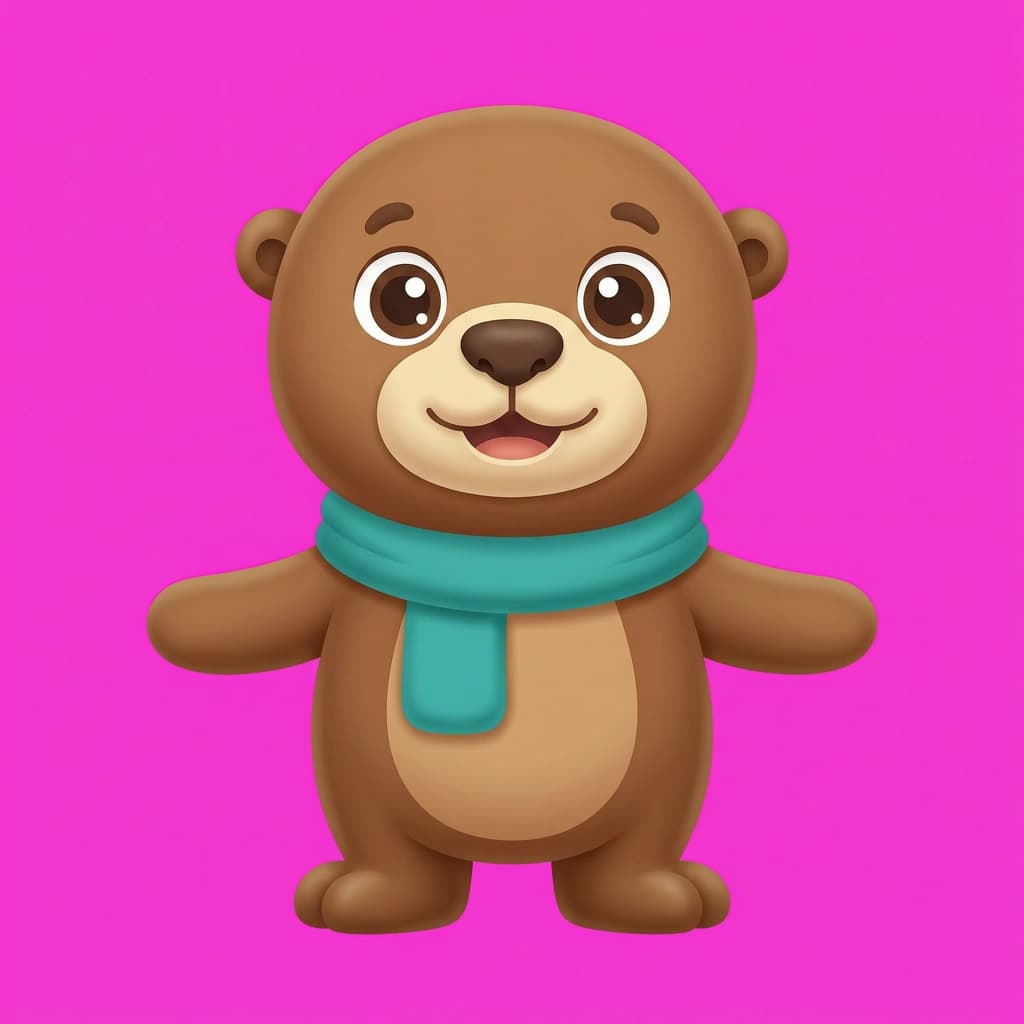
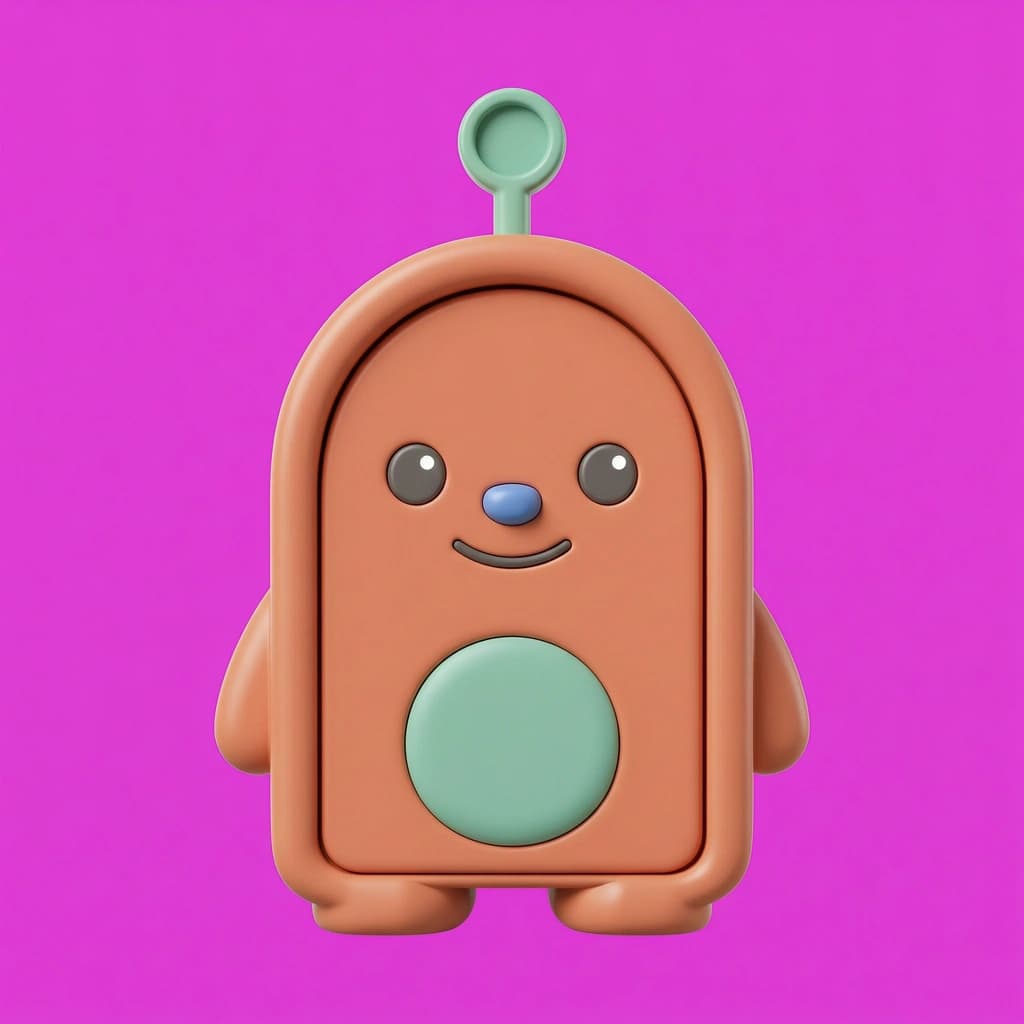

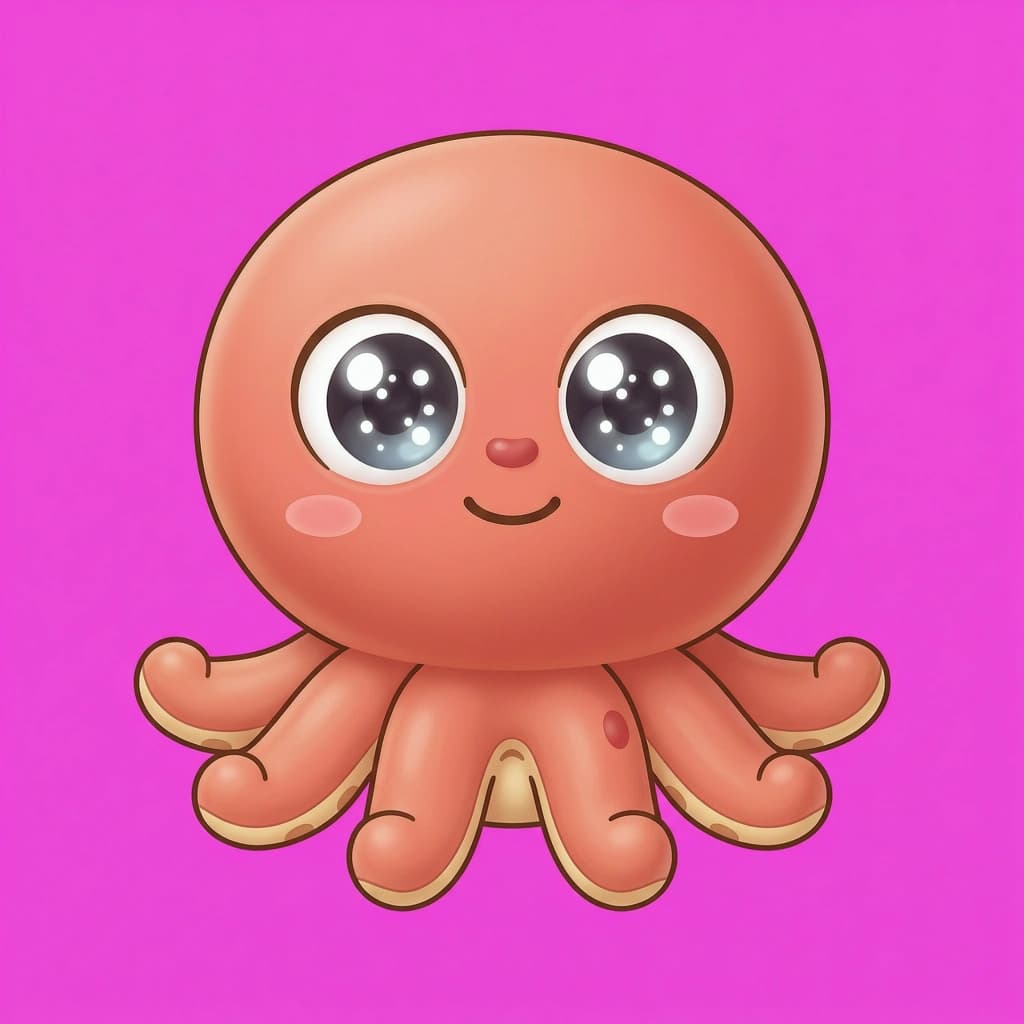
Made for the screen after the screenshot
Your mascot should leave the generator.
Use a static pose when the interface needs clarity. Use a short transparent loop when movement adds meaning. Mascofast gives you a connected path from character idea to the asset that actually sits inside your product.
See the full workflow →
Static poses
Good for onboarding cards, empty states, app icons, and product guidance.
Transparent loops
Good for wins, waits, loading states, notifications, and moments that benefit from motion.
Choose the right starting point
Mascot, logo, or avatar?
The words overlap, but the job is different. Mascofast is built for a character that can keep working across your product.
Questions before you create
The practical details.
Start with the character
Make something your product can remember.
Describe the idea, choose a direction, and build from the first reference image.
Start creating