Free Mascot & Animation Tools
Free tools for mascot ideas and animated assets. Browser converters apply file limits to keep local processing reliable. Bring a finished brief into the AI mascot generator to create the actual mascot art.
Mascot Name Generator
Answer two quick questions — character type and personality — and get matched mascot names, taglines, and a suggested art style.
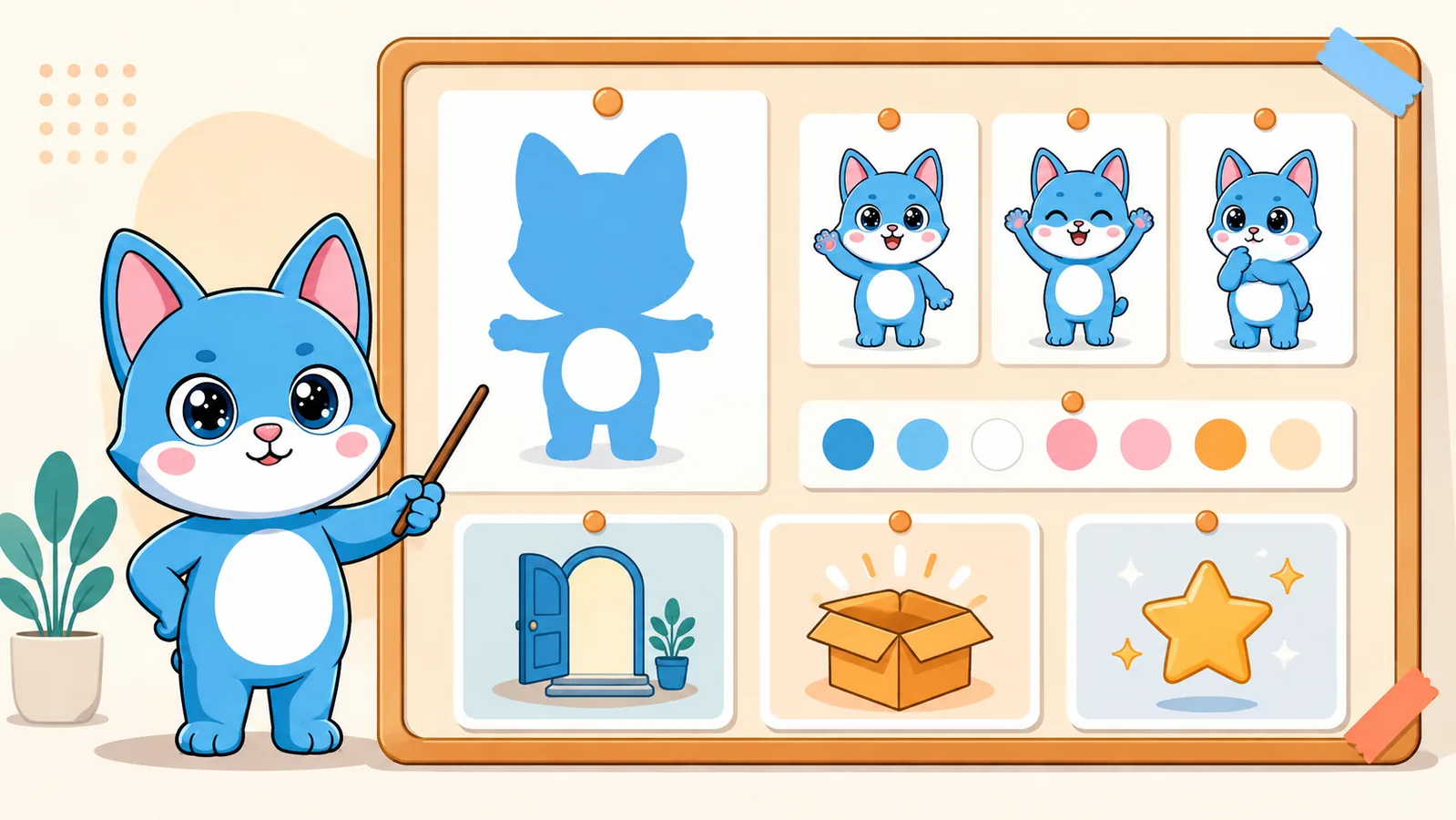
Mascot Concept Generator
Turn your product, audience, and personality into a practical mascot brief with visual direction, poses, expressions, and use cases.
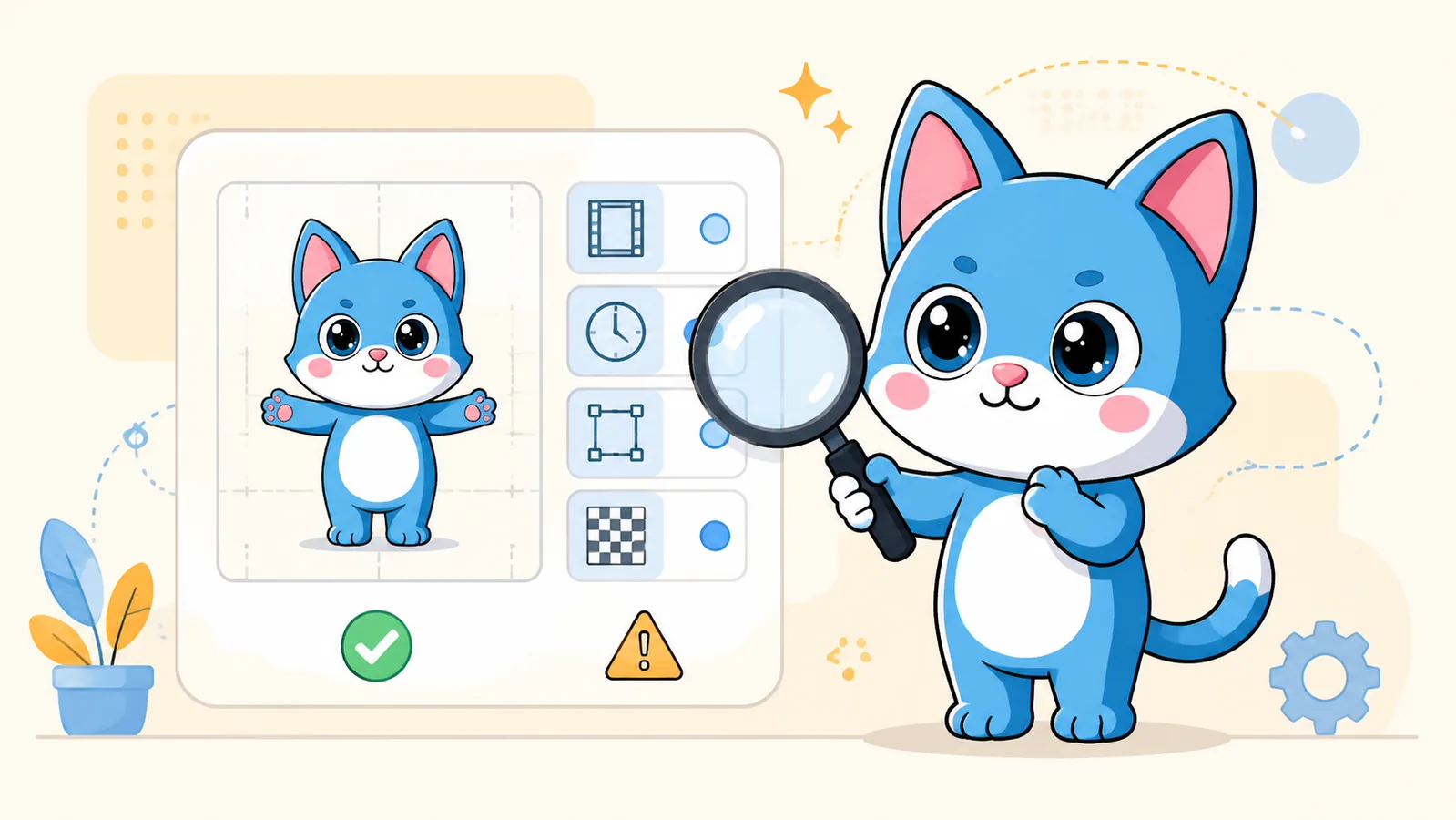
Animated Asset Inspector
Inspect GIF, WebM, and Lottie files in your browser: dimensions, duration, frames, file size, and transparency warnings.
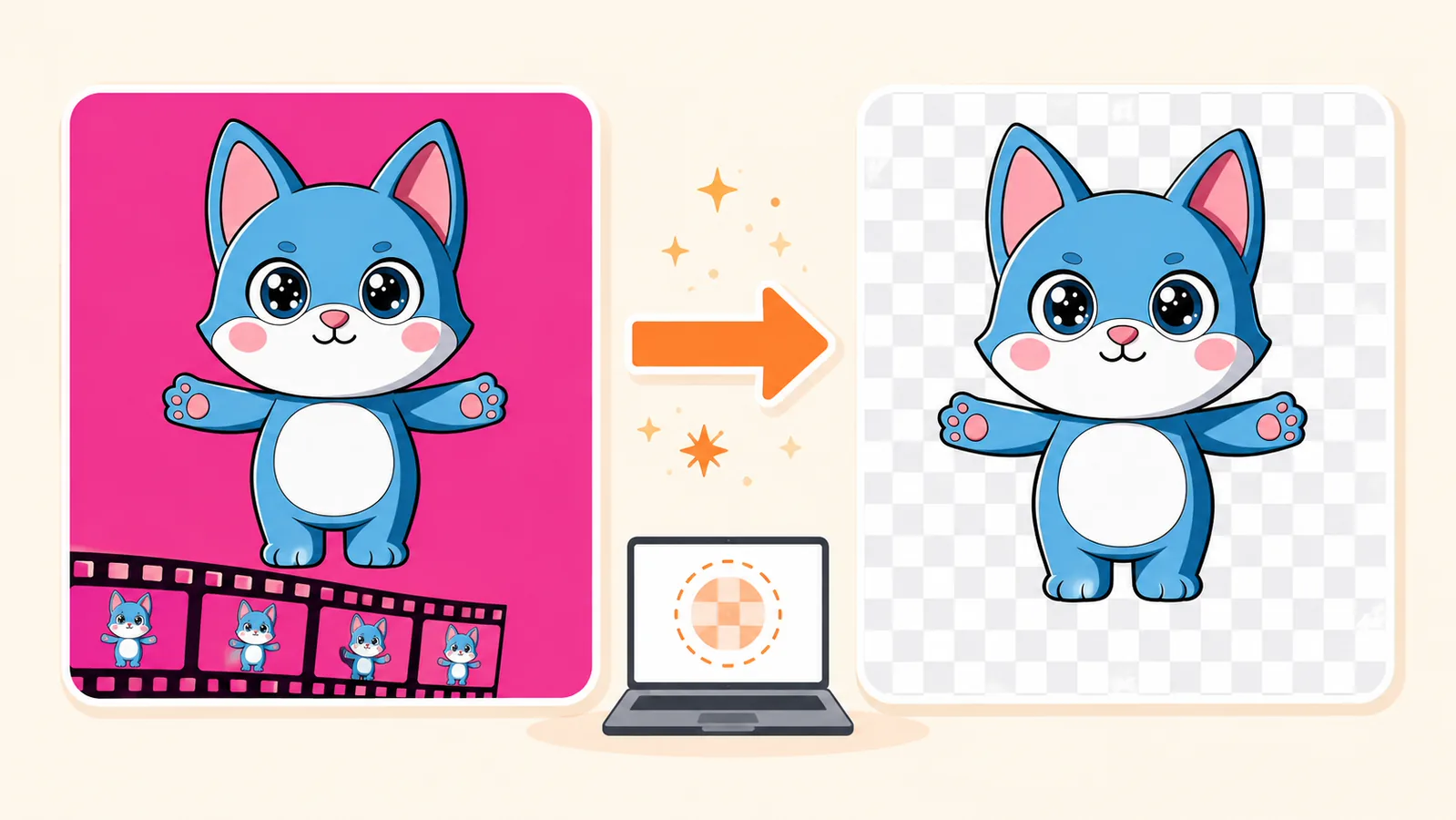
Transparent GIF Maker
Remove a selected solid-color background from an animated GIF, or make a transparent GIF from a short video in your browser.
GIF to Sprite Sheet Converter
Turn an animated GIF into a transparent PNG frame grid with an optional JSON map of frame coordinates and timing.
WebM to GIF Converter
Trim a short WebM, choose output size and frame rate, and download a looping GIF processed locally in your browser.
GIF Compressor
Compare lossless and lossy GIF optimization with actual before-and-after file sizes and animation previews.
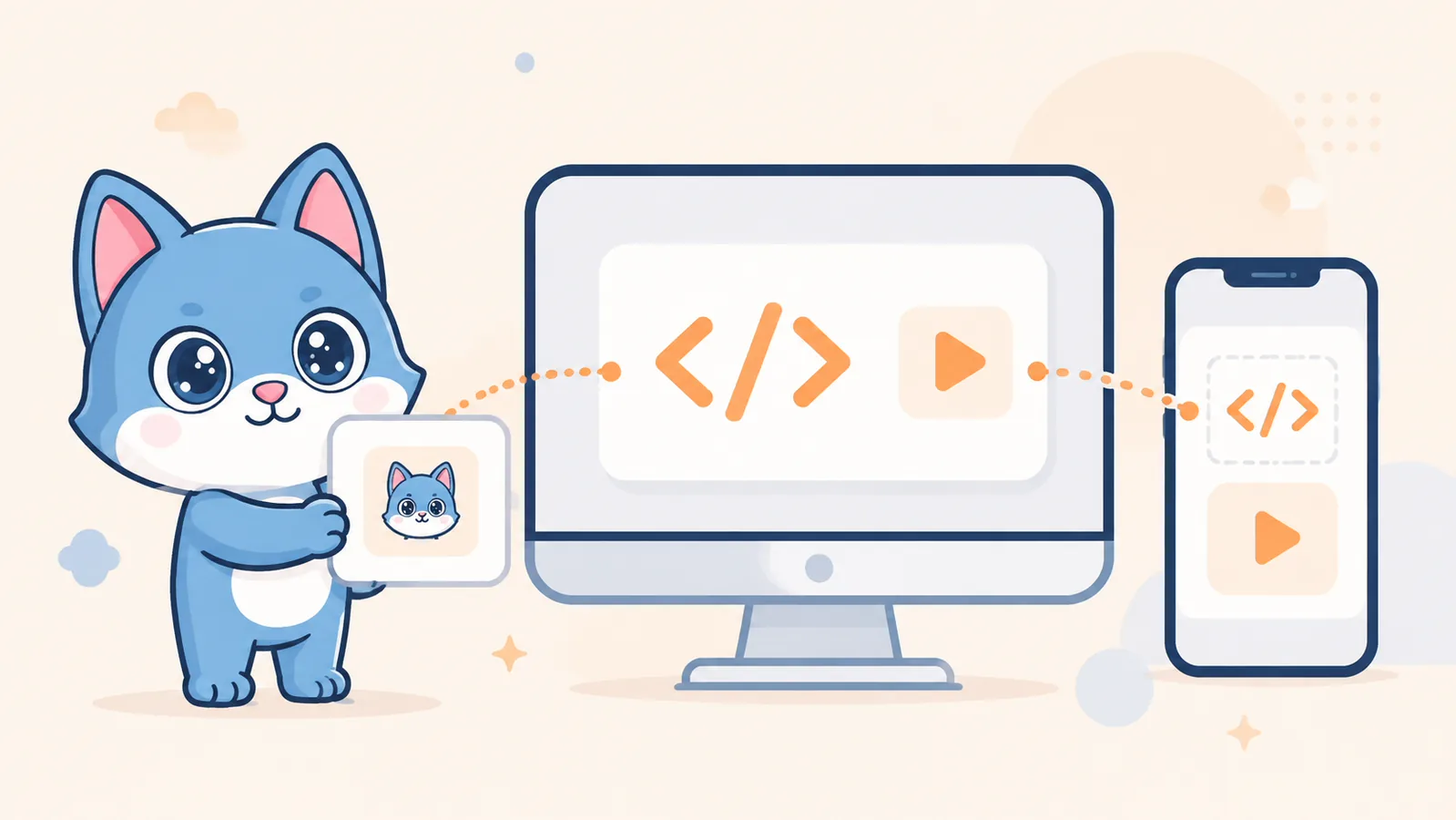
Mascot Embed Code Generator
Create accessible HTML, React, Next.js, or React Native snippets for a GIF, WebM, or Lottie mascot asset.
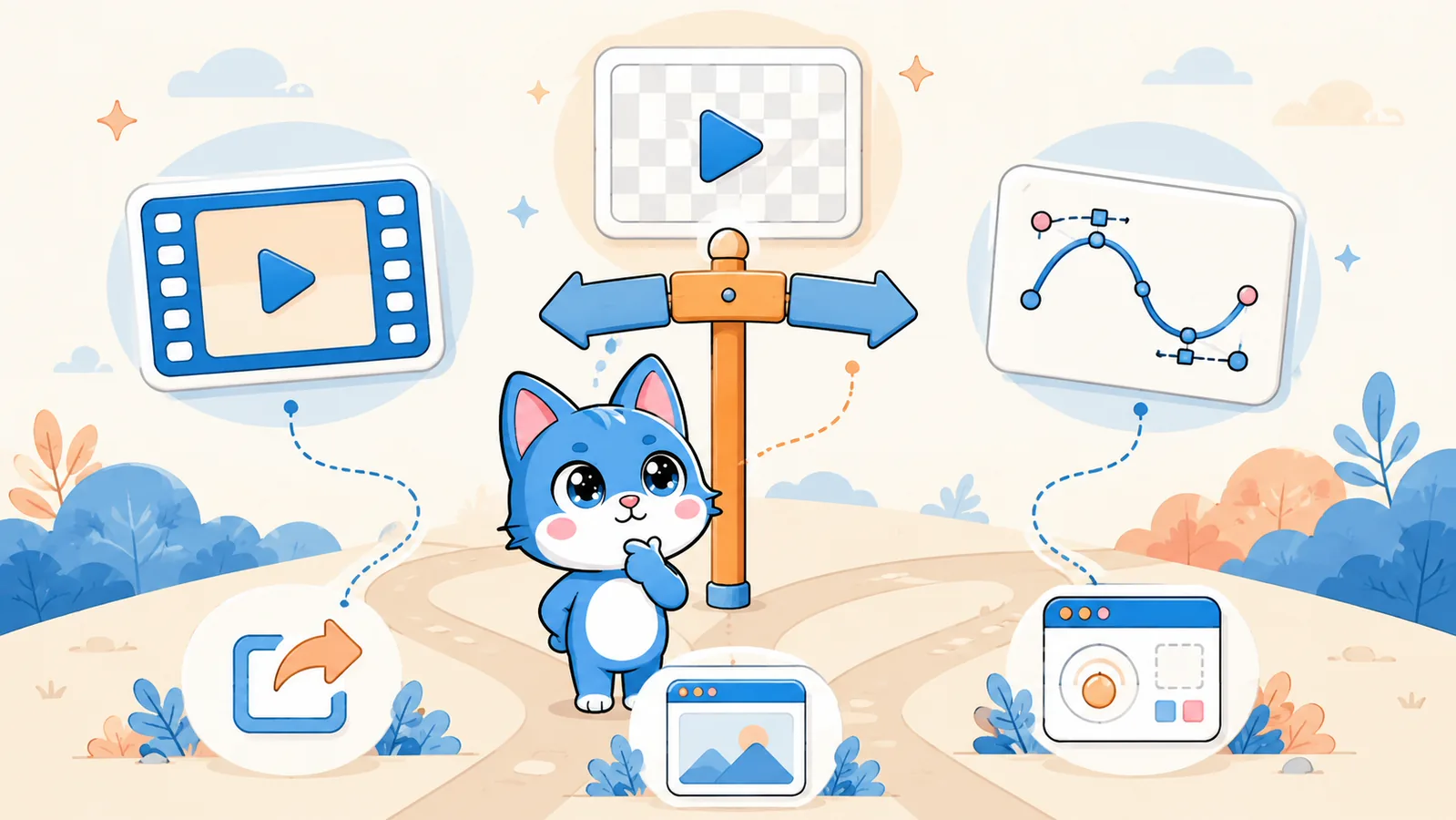
GIF vs Lottie Advisor
Choose a practical animation format based on where it will appear, compatibility, size, and scaling needs.
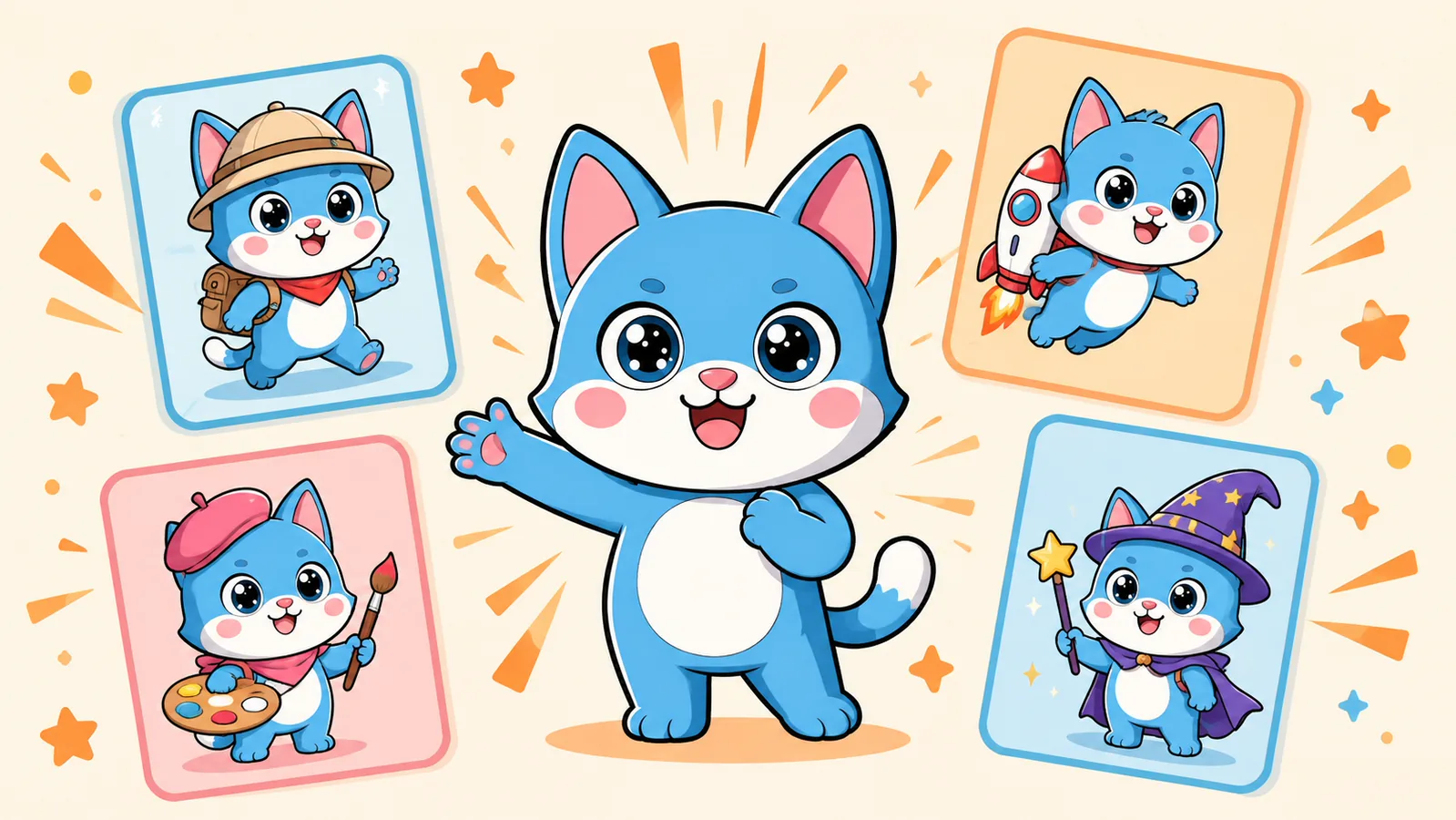
Random Mascot Generator
No questions, no typing — one click gives you four random mascot concepts to react to. Good for breaking creative block.
Startup Name Generator
Pick an industry and a naming style and get instant, brandable startup and product name ideas.
Tagline Generator
Type your brand name, pick a tone, and get instant tagline options to match your voice.
Free Lottie tools
Inspect, validate, optimize, and normalize Lottie files locally in your browser. Your source file is not uploaded.