GIF Background Remover
Remove a flat-color background from an animated GIF, adjust the color tolerance, and download a transparent result. Your file stays in your browser.
See the result
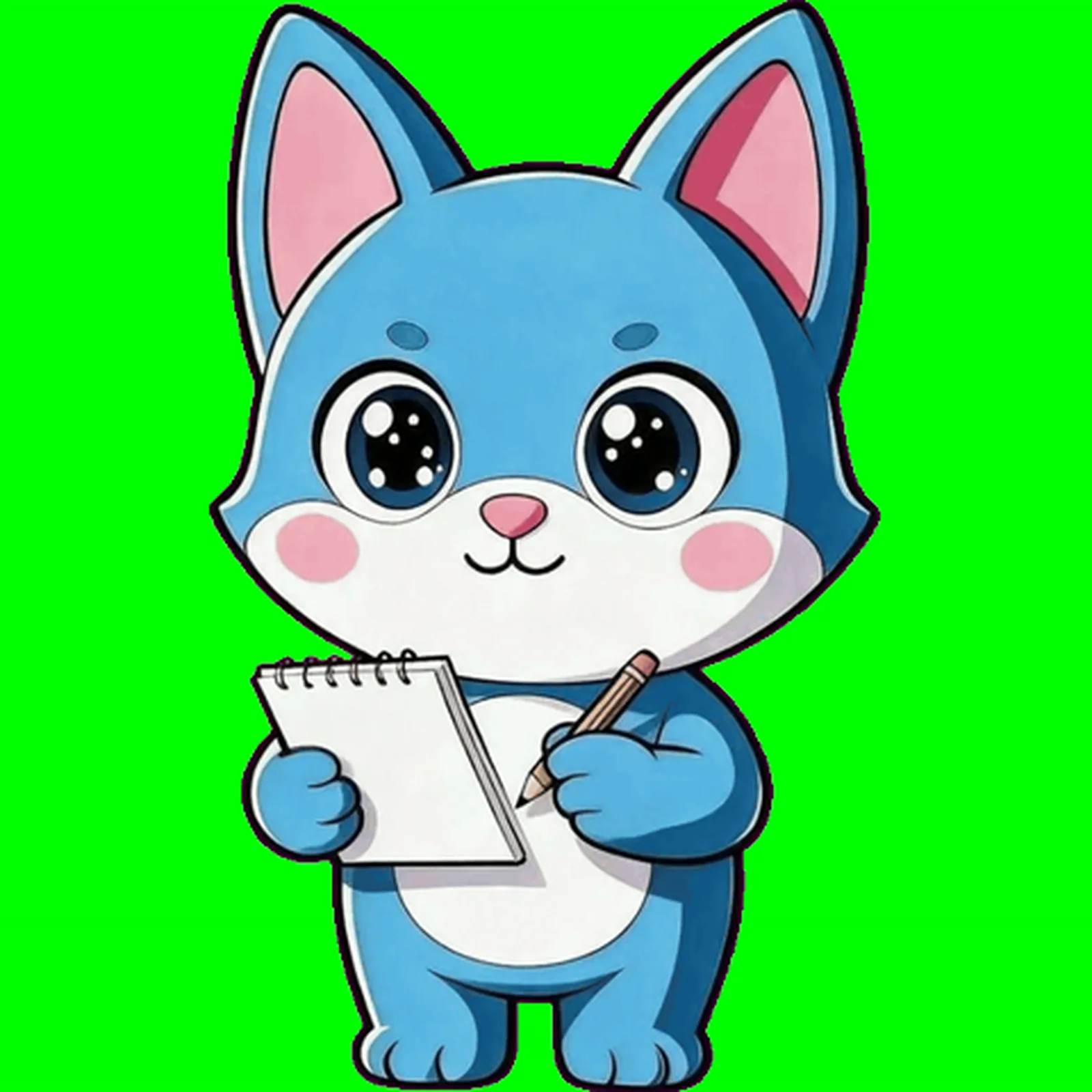
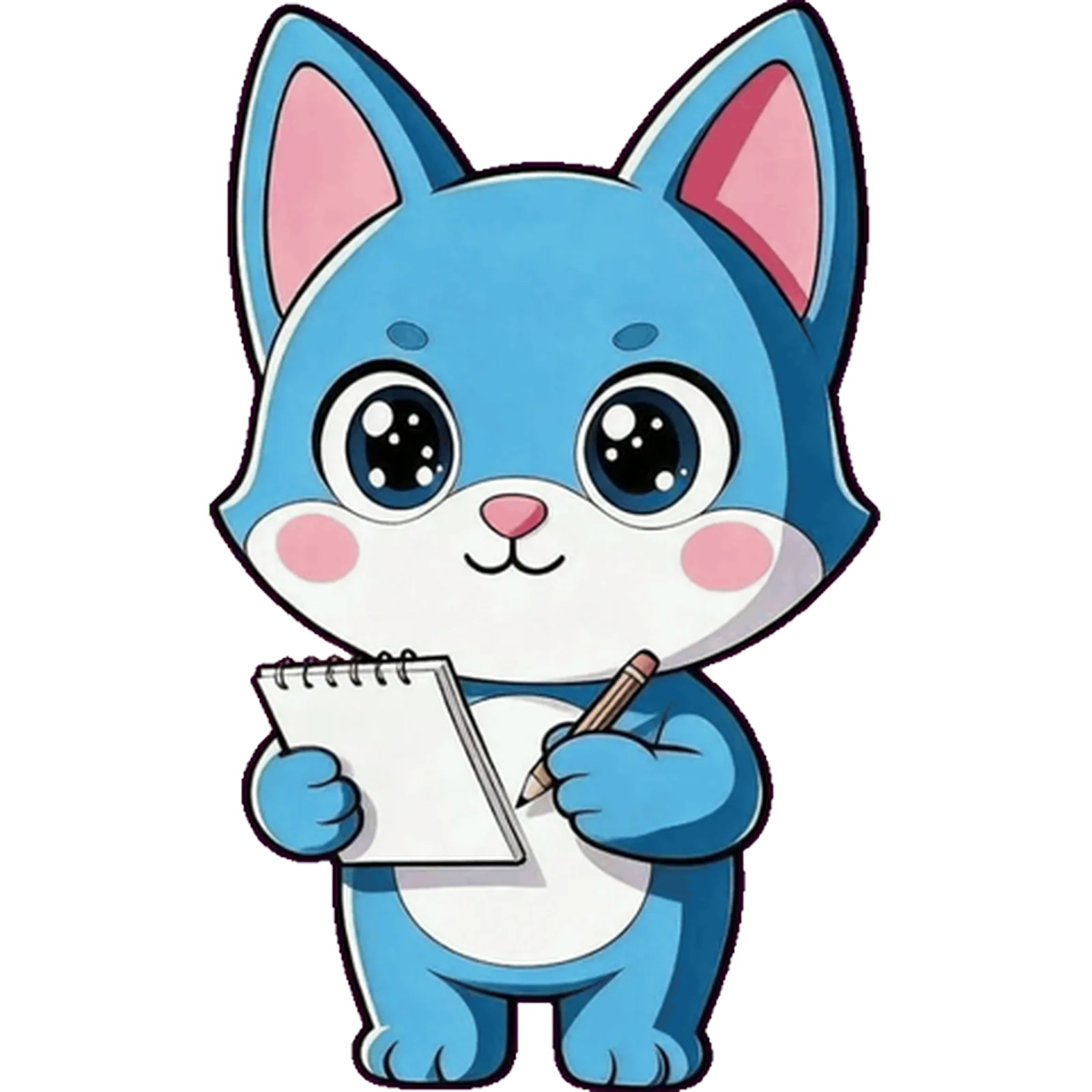
Solid background in, transparent mascot out
The same mascot, shown before and after the background is keyed away.
A practical transparent GIF workflow
This free GIF background remover is designed for animations with a clean, consistent background. Choose the color to remove, adjust tolerance, and preview the transparent result before downloading. Video input samples its background automatically and exports at up to 480 pixels and 24 frames per second.
Start with a consistent solid-color background and a clear silhouette. Check the finished GIF on a checkerboard, light, and dark surface before you use it in a product.
For an existing GIF, WebM, or Lottie file, use the Animated Asset Inspector to check its actual dimensions, timing, and transparency before shipping.
How to make a transparent GIF
- Choose an animated GIF with a mostly uniform color background.
- Select the background color and set how many nearby shades to remove.
- Process locally, inspect the transparent animation, then download the GIF.
- Test the finished animation on the light and dark background where it will appear.
Useful for mascot animations
A transparent GIF can sit over an app onboarding screen, an empty state, a success message, a loading moment, a game UI, or a website section without carrying a rectangular background with it. If you still need the character, see the MascoFast mascot workflow to go from a text description to a consistent mascot and animation.
Best for a clean source, not an arbitrary scene
Use a consistent solid-color background and a clear silhouette. Complex scenery, smoke, hair-like detail, broad gradients, and shadows outside the subject can leave artifacts or remove part of the animation. Test the completed loop on the actual background where it will appear before shipping it.
Know the tradeoff
GIF transparency is binary rather than soft alpha, so fine edges may look less smooth than a WebM. This tool prioritizes privacy, predictable processing, and good results for clean backgrounds. It does not try to remove arbitrary scenery or complex backgrounds.
Frequently asked questions
Choose the right animation format
GIF is familiar and convenient for simple sharing and broad playback. WebM can be a better fit for video-like web motion, while Lottie is designed for supported vector-animation runtimes. Use the GIF vs Lottie Advisor when the destination, compatibility, and file behavior matter more than the filename extension. If a WebM asset must be delivered to a GIF-only destination, use the WebM to GIF converter.
Need the mascot too?
Create one consistent character first, then turn its poses into transparent animation exports for your product.
Create your mascot