Mascot Art Styles
One character, any style. Pick a look and Mascofast generates and animates your mascot in it.
How to choose a mascot art style
Start with the feeling your product should create, then check where the mascot will appear. A game character can be more expressive and detailed; an app icon or notification needs a silhouette that stays clear when it is small. For onboarding and empty states, choose a style whose expression can support the moment without competing with the action the user needs to take.
Choose Pixar, 3D Render, or Plushie when you want dimensional, polished character art. Choose Pixel Art for a deliberate retro game language, or Anime, Cartoon, or Chibi when expression and personality should be immediately visible. Choose Doodle when the brand should feel human and informal, and Kawaii when softness and emotional warmth are central to the product.
The style is only one part of a useful mascot system. Start with one reference character, then keep its identity stable while creating poses and variants for yourproduct use cases. You can also browse thefree mascot examplesbefore choosing a direction, then follow thegenerate-to-animation workflow. Then use theAI mascot generatorto create the reference character.
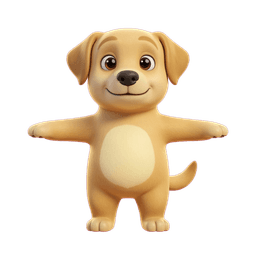
Warm, rounded 3D character design for friendly products, family apps, and expressive onboarding.
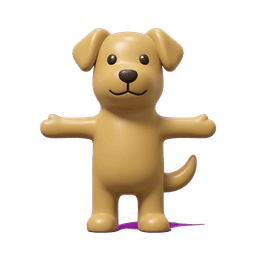
A clean toy-like finish with simple shapes that stays readable in app icons and product artwork.
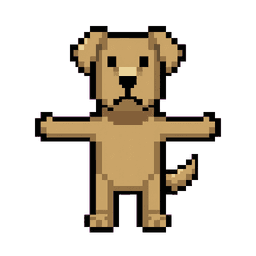
Grid-aligned retro sprites for indie games, game jams, and nostalgic product identities.
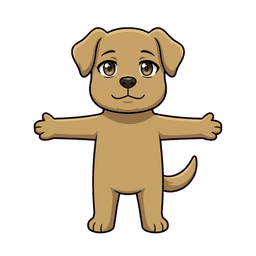
Expressive cel-shaded character art for games, creator brands, fandom products, and streaming communities.
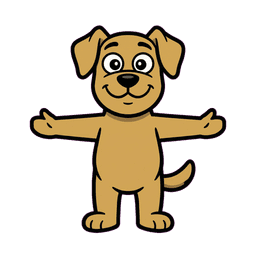
Bold outlines, saturated color, and exaggerated shapes for high-energy brands and playful interfaces.

Oversized-head proportions and compact features that work well for cute icons, stickers, and reactions.
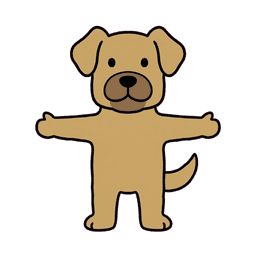
Hand-drawn simplicity for approachable SaaS products, friendly empty states, and human-feeling brands.
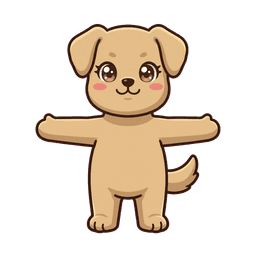
Soft pastel color, rounded forms, and sparkling expressions for lifestyle, kids, and comfort-led products.
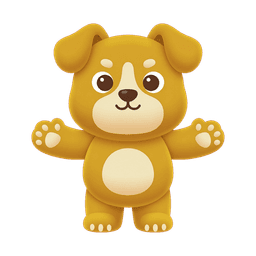
Bold, tactile color shapes with gentle volume for mobile game UI, app icons, and collectible characters.