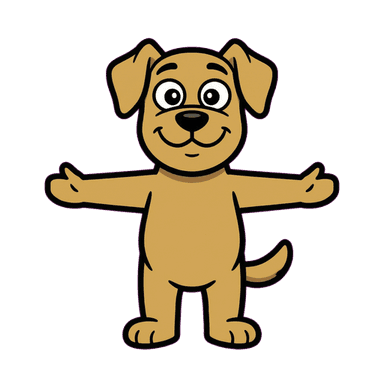
App Mascot Generator
An app mascot has more work to do than a single illustration in a launch screen. It may welcome a first-time user, sit beside an empty dashboard, acknowledge a completed task, or make a recovery message feel less sterile. Starting with one reference character gives those moments a shared visual identity instead of a different illustration on every screen.
Create Your MascotExplore the full AI mascot generator workflow →Why a mascot works here
Product screens repeat a small set of emotional moments: beginning, waiting, completing, and recovering. A mascot can support those moments with a short vocabulary of useful poses while the interface keeps the actual instruction in text. Mascofast starts with a reference image, then lets you branch into poses, variants, and short transparent animation from that same character.
Best for
- Mobile or web apps that need one character across several product moments
- SaaS dashboards with onboarding, empty, loading, and success states
- Apps that want a consistent visual system without commissioning every pose separately
- Small product teams that need transparent assets they can place in their own UI
Recommended styles
FAQ
An app mascot is a reusable character designed for product surfaces such as onboarding, empty states, loading, errors, success messages, and product education. It is a character system, not just one decorative image.
Where to use this mascot
- Welcome screen and first-run setup
- Onboarding coach mark or next-step prompt
- Loading, processing, or generation state
- Empty project, inbox, or search result
- Success, reward, and completed-task feedback
- Recoverable error, retry, or offline state
Example mascot prompts
“A calm teal otter mascot for a productivity app, clear silhouette, friendly eyes, simple Cartoon style, front-facing reference pose”
“A small orange robot guide for a developer tool, helpful wave, rounded shapes, clean Doodle style, front-facing reference pose”
Export and animation ideas
Start with the reference character for static UI and marketing placements, then create pointing, thinking, retry, and celebration poses for specific states. Use a short transparent loop when motion adds feedback; keep a static fallback so the product remains clear when motion is reduced or unavailable. See how the mascot generator works for the full reference-to-animation flow.